
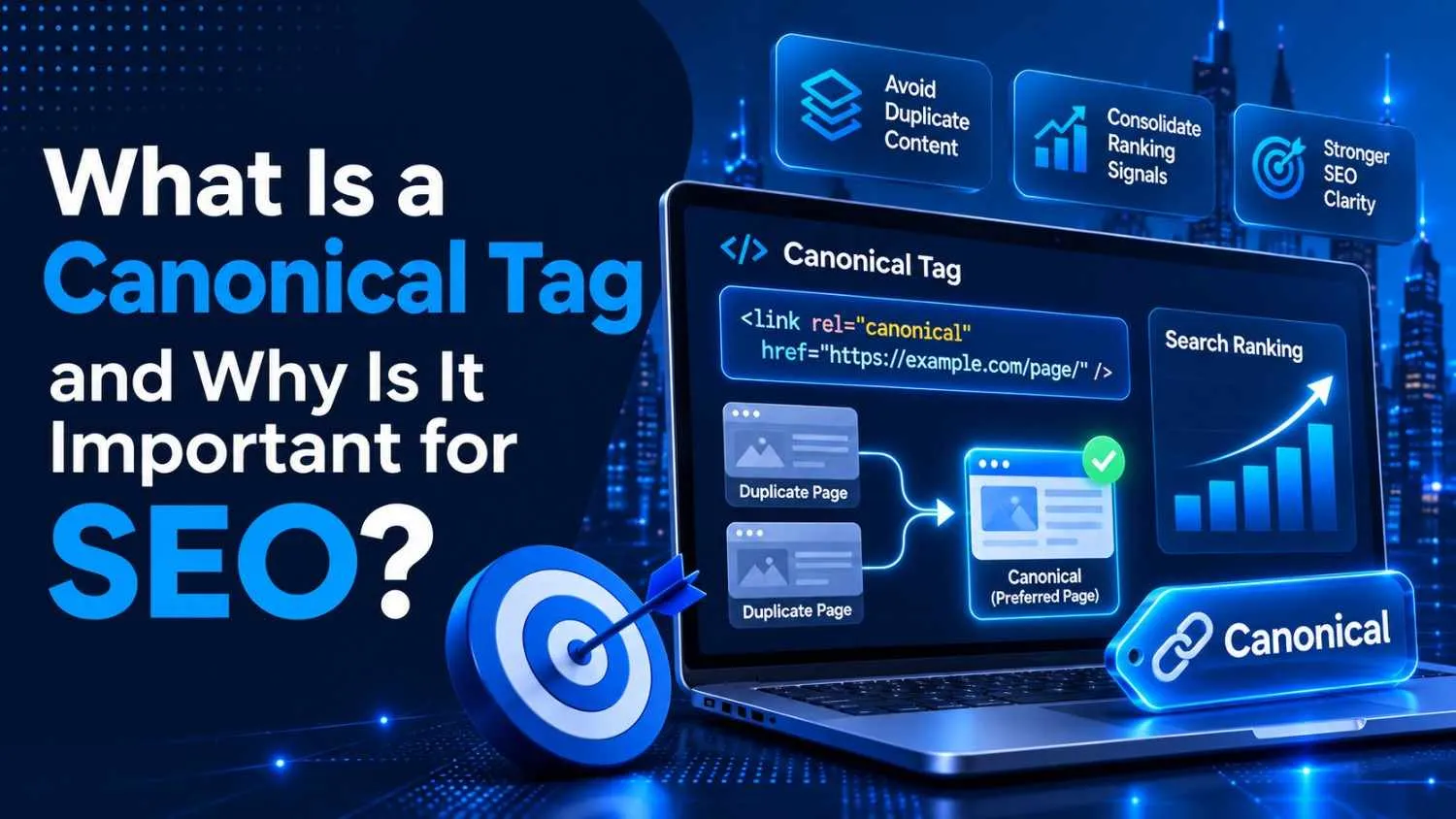
What Is a Canonical Tag and Why Is It Important for SEO?
A canonical tag is a small snippet of HTML, rel=”canonical” that tells search engines which URL is the “master” version of a page when several near-identical versions exist. In plain English: it points Google to the one address you actually want indexed and ranked, and quietly waves the rest through as copies. That single line of code is one of the most powerful (and most misunderstood) tools in technical SEO.
Here’s the thing almost no one tells you: your website is probably serving the same content at more than one URL right now, and you may not even know it. A trailing slash here, a tracking parameter there, an HTTP version lurking in the shadows, and suddenly Google is looking at five “different” pages that are really just one.
Canonical tags are how you walk up to the search engine, tap it on the shoulder, and say: “That one. Index that one. The others are imposters.”
Let’s break down exactly what canonical tags are, why they matter more than ever in 2026, and how to use them without shooting yourself in the foot.
What is a canonical tag (and what does it actually look like)?
A canonical tag is an HTML link element that lives in the section of a web page. It declares the preferred, authoritative URL for a piece of content, the version you want to show up in search results.
This is the canonical tag syntax in its natural habitat:
html
That’s it. The URL inside href is the master copy. Whenever Google finds duplicate or very similar content at other URLs, the canonical tag says, “Consolidate everything here.”
There are two flavors you’ll run into:
A cross-page canonical sits on a duplicate and points to a different URL, the original. It tells crawlers, “Skip me, index the real one instead.”
A self-referencing canonical sits on the master page and points to its own URL. It reinforces that this page is the boss and stops sneaky URL variations (extra parameters, capitalization quirks) from creating accidental competition.
So when someone asks “what is a canonical tag in SEO?”, the cleanest answer is this: it’s a voluntary signal you send to search engines about which URL deserves the credit when the same content can be reached through more than one door.
According to Google’s own documentation, last refreshed in December 2025, canonicalization is “the process of selecting the representative URL of a piece of content,” a process it also calls deduplication. The goal is to show searchers a single, clean version instead of a confusing pile of near-duplicates.
Why does duplicate content even happen?
Most people assume duplicate content is something only spammers or sloppy copy-pasters deal with. Not true. Perfectly well-run websites generate duplicates constantly, usually without anyone touching a keyboard. Google groups the common culprits into a few buckets:
Protocol variants the HTTP and HTTPS versions of the same page.
Trailing-slash and case variants example.com/page, example.com/page/, and example.com/Page can all resolve to the same content.
Parameter and tracking variants example.com/widgets versus example.com/widgets?ref=newsletter&utm_source=email.
Faceted navigation and filters an e-commerce category like /widgets/blue/ may also live at /widgets?color=blue once a shopper applies a filter.
Device and region variants desktop versus mobile URLs, or near-identical pages for different countries in the same language.
Syndication and republishing when your content gets reposted elsewhere, search engines can mistake the copy for the original.
Picture a hotel with twelve entrances that all lead to the same lobby. To you it’s obviously one lobby. To a crawler arriving at each door for the first time, it looks like twelve separate rooms, and it has to walk through every one before it figures out they’re identical. Canonical tags hand the crawler a map.
This problem is bigger in 2026 than it used to be. Headless and API-driven content management systems, dynamic personalization, and ever-more-complex faceted navigation spin up duplicate URLs at a scale older websites never had to worry about. Canonical tags have quietly become the glue holding a modern site’s index together.
Why canonical tags are important for SEO
Okay, the big question. If Google can often figure duplicates out on its own, why bother? Because “often” is doing a lot of heavy lifting in that sentence, and the cost of getting it wrong is real. Here’s what canonical tags actually buy you.
- They consolidate your ranking signals. When ten URLs hold the same content, any links, authority, and engagement signals pointing at those pages get split across all ten. A canonical tag funnels that equity into a single URL, so instead of ten weak pages quietly competing with each other, you get one strong page punching at full weight. There’s no “duplicate content penalty” hiding around the corner, but ranking dilution is very real, and that’s the thing that quietly bleeds your traffic.
- They control which URL ranks. Without a canonical, Google picks the representative URL for you, and it might choose the ugly parameter-laden version, or the syndicated copy on someone else’s domain, instead of your clean, polished page. A canonical tag lets you cast a strong vote for the right one.
- They protect your crawl budget. Every site gets a finite amount of crawler attention. If Googlebot burns that budget re-crawling duplicate junk, it has less left over for the new, valuable pages you actually want discovered. Google’s canonical page gets crawled most often; the duplicates get crawled less. Point the duplicates at a canonical and you spend that budget where it counts.
- They keep your analytics honest. Trying to measure how a page performs is a nightmare when its traffic is scattered across five URL variations. Canonicalization consolidates the data so you can actually see what’s working.
- They prevent keyword cannibalization. When multiple near-identical pages chase the same query, they end up cannibalizing each other in the rankings. A clear canonical tells Google which page owns that keyword.
The 2026 twist: AI search is raising the stakes
Here’s what makes this a 2026 story and not a 2016 one. Search is no longer just ten blue links. Google’s AI Overviews, ChatGPT, Perplexity, and other generative answer engines are increasingly the layer between your content and your audience, and they all rely on crawling, parsing, and trusting a clean version of your pages.
When duplicate URLs sprawl unchecked, these systems get a fragmented, partial view of your site. They may summarize the wrong version, miss content buried on deeper pages, or struggle to identify which URL is the trusted source worth citing. As more sites move to edge rendering and generative engines lean harder on raw HTML, stable, server-rendered canonical signals matter more than they ever have. In a world where you increasingly need content with direction, canonical tags are how you give machines that direction.
Important nuance: a canonical tag is a hint, not a command
This is the part that trips up even experienced SEOs, so read it twice. A canonical tag is a strong hint, not a binding rule. Google’s documentation is refreshingly blunt about it: “indicating a canonical preference is a hint, not a rule.” The search engine reserves the right to overrule you if its other signals disagree.
How much weight does the tag carry? Google reportedly weighs a long list of signals, by some accounts around 40 of them, when choosing a canonical URL. The rel=”canonical” annotation is one of the strongest, but it shares the table with HTTPS versus HTTP, redirects, internal links, sitemap inclusion, and hreflang. The smart move is to make all of those signals agree.
Google’s Gary Illyes once illustrated this beautifully on LinkedIn: imagine your rel=”canonical” points from page A to page B, but A is the HTTPS version, A sits in your hreflang clusters, all your internal links point to A, and A not B is the one listed in your sitemap. Now which one is Google going to trust? You can stack the deck. Line your sitemap, hreflang, and internal links up behind the same URL as your canonical tag, and you make your preference almost impossible to ignore.
A few more pearls from Google’s search team that are worth tattooing on your monitor:
Don’t leave it to chance. Responding to a 2025 question about canonicals, and the fact that URL paths, filenames, and parameters are case-sensitive, Google’s John Mueller didn’t mince words: “‘hope’ should not be a part of an SEO strategy.” If you care which URL ranks, declare it. Don’t cross your fingers.
Canonicalization is separate from ranking. As Gary Illyes has explained, the canonicalization process is independent of ranking. The page Google chooses as canonical is the one that gets ranked but it isn’t ranked because of the canonical signals. Picking a canonical and earning a ranking are two different jobs.
Self-referencing canonicals help, but aren’t mandatory. Mueller has called the self-referencing canonical “a great practice” that isn’t strictly critical. It’s belt-and-suspenders insurance against URL variations, and it’s cheap to add, so most pros do it anyway.
How to add a canonical tag in HTML
Time for the practical part. There are a few ways to declare a canonical, and you should pick the one that fits your setup.
Method 1: The HTML (the classic). Drop the link element into the of the page you want to canonicalize: html
This is the direct answer to “how to add a canonical tag in HTML” and it works on any page you can edit the source of.
Method 2: Your CMS or SEO plugin (the easy button). Hardly anyone hand-codes canonicals across a whole site anymore, because it’s tedious and error-prone. Most platforms make it a setting. On WordPress, popular SEO plugins add a canonical field to every post and page. Shopify, Squarespace, Wix, and most modern CMS platforms either set sensible canonicals automatically or expose a field where you can override them. If you run a large or custom site, a canonical tag generator, built into many SEO toolsets, or available as standalone utilities, can produce the correct tag for a given URL so you don’t fat-finger the syntax.
Method 3: HTTP headers (for non-HTML files). PDFs and other documents have no to put a tag in. For those, you declare the canonical in the HTTP response header instead:
Link: https://example.com/whitepaper.pdf; rel=”canonical”
Method 4: Sitemaps and redirects (supporting signals). Listing only your canonical URLs in your XML sitemap is a (weaker) canonicalization hint. And when you’re retiring a duplicate for good, a 301 redirect is the cleanest option of all, it sends both crawlers and humans straight to the right page.
Whichever method you choose, follow these golden rules:
Use absolute URLs, not relative ones, https://example.com/page/, never just /page/.
Use HTTPS, and the right domain. Pointing a secure page’s canonical at an insecure HTTP version sends confusing, contradictory signals.
One canonical per page. Declare more than one and Google is likely to throw up its hands and ignore all of them. This often happens by accident when your theme and a plugin both inject a tag so check.
Put it in the , not the . A canonical tag in the body is ignored. (Watch out for unclosed tags or stray JavaScript that can prematurely “close” the head when a page is rendered, accidentally bumping your canonical into the body.)
How to check canonical tags on your site
Setting canonical tags is half the battle; verifying they actually work is the other half. Here’s how to check canonical tags, from quickest to most thorough.
View the page source. Open any page, view its source code (or pop open your browser’s DevTools), and search for rel=”canonical”. You’ll see exactly which URL the page declares as its master.
Use Google Search Console’s URL Inspection tool. This is the one that matters most, because it shows you the canonical Google actually chose, which can differ from the one you declared. If there’s a mismatch between your “user-declared canonical” and Google’s “Google-selected canonical,” that’s your signal to investigate.
Run a site crawl. A site-wide crawler or audit tool will flag canonical problems in bulk, chains, loops, canonicals pointing at 404s or redirects, and pages missing a canonical entirely.
“Alternate page with proper canonical tag”, friend, not foe
If you’ve spent time in Google Search Console, you’ve probably seen a status in the Page Indexing report that reads “Alternate page with proper canonical tag,” and panicked. Don’t.
This is one of the most misread labels in all of SEO. It is not an error. It means Google found the page, saw that it correctly points to a different canonical URL, and, exactly as you intended, chose not to index it because the canonical version is being indexed instead. In other words, an alternate page with a proper canonical tag is canonicalization working precisely as designed. Your duplicate is sitting quietly, passing its signals to the master copy. That’s the win, not the bug. (Now, if a page you want indexed is showing up here, that’s worth a look, it usually means your canonical is pointing somewhere it shouldn’t.)
Common canonical mistakes to avoid
While you’re auditing, keep an eye out for these classic blunders:
Mixing noindex and rel=”canonical”. They’re contradictory instructions, one says “consolidate me,” the other says “erase me.” Don’t combine them.
Canonicalizing to a redirect or a 404/4XX page. A canonical should point to a live, 200-status URL. Point it at a dead or redirecting page and Google will likely ignore it.
Blocking the canonicalized URL in robots.txt. If Google can’t crawl the duplicate, it can’t see the canonical tag on it so the signal never gets passed.
Canonicalizing every paginated page back to page 1. If pages 2, 3, and beyond contain unique products or articles, canonicalizing them to page 1 can hide that content from both Google and AI engines. Each paginated page should generally self-reference and stay indexable.
Canonical chains. Page A points to B, which points to C. Cut out the middleman and point A directly at C.
Frequently asked questions
What are canonical tags, in one sentence? They’re HTML signals (rel=”canonical”) that tell search engines which URL is the preferred, indexable version of content that exists at multiple addresses.
Do canonical tags guarantee which page ranks? No. They’re a strong hint, not a directive. Google considers them alongside many other signals and can override your choice so align your sitemap, internal links, and hreflang behind the same URL.
Is “alternate page with proper canonical tag” bad? No, it’s the expected, healthy result for a duplicate you’ve correctly canonicalized to another page. It only deserves attention if a page you want indexed lands there.
Where exactly does the canonical tag go? In the section of your HTML, or in the HTTP header for files like PDFs. Never in the .
The bottom line
Canonical tags aren’t flashy. There’s no dashboard that lights up green when you add one, and no client ever high-fived their SEO over a tidy rel=”canonical”. But they’re one of the quiet forces that hold a website’s search presence together, consolidating your authority, steering crawlers, keeping your data clean, and, increasingly, making sure AI answer engines cite the right version of your work.
In a 2026 search landscape where duplicate URLs multiply faster than ever and machines decide what to surface, clarity wins. Give Google and the answer engines an unambiguous map to your best pages, and they’ll reward you by sending searchers exactly where you want them.
Want a hand auditing your site’s canonical tags or untangling a messy duplicate-content situation? Reach out, a 30-minute technical SEO review can surface issues that have been quietly costing you rankings for months.